Nyfurion · Official app
The Realm, in your pocket.
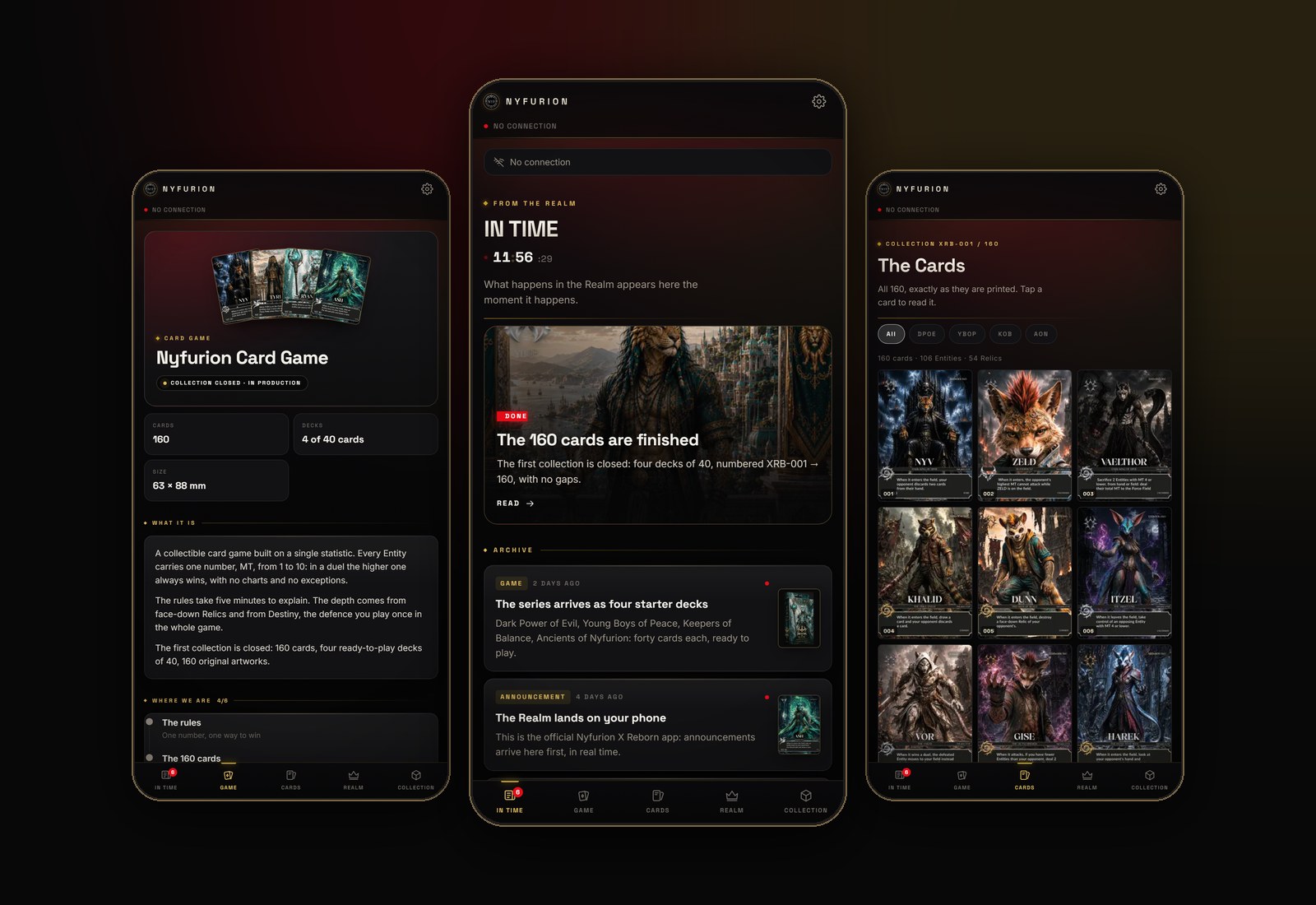
Dispatches the moment they happen, all 160 cards, the rules, the books and the collection. It works offline and it is free.
Android
Android app
1.2.2 · 27 MB
Install it once. From then on the app tells you when a new version is out and updates itself, straight from here.
Download for AndroidOpen the downloaded file.
Android will ask to allow installs from this source: accept, it happens only once.
Open the app and sign in to receive notifications.
iPhone · iPad · Computer
Web app
Nothing to download
The same app, installed straight from the browser. Once it is on your Home screen or desktop it behaves like any other app: its own window, full screen, works offline and updates on its own.
Open this page in Safari or Chrome and press the button above. The app opens full screen.
Tap the Share icon — a square with an arrow pointing up. In Safari it sits in the bar at the bottom; in Chrome, tap the ⋮ menu first, then Share.
Scroll the list down to Add to Home Screen. It sits below the sharing options, and this is the step everyone misses. Then tap Add, top right.
The NYF icon appears among your apps. Open it from there and sign in with Google.
Press the button above, in Chrome or Edge.
The browser asks to confirm: accept.
The Nyfurion icon lands on your desktop and the app opens in its own window.
On Android take the app above: it is the full version, with notifications.
You prefer no download? Press the button above in Chrome.
The icon lands on your Home screen, like any other app.
On iPhone the app must be added to the Home screen from the Share menu: Apple asks for that step, in every browser. Notifications work from there, with iOS 16.4 or later.
What is inside
DispatchesIn real time
CardsAll 160
RulesBooklet included
BookRead in the app